This feature is documented for Cloud. For availability in your Data Center version, contact VIEW26 support.
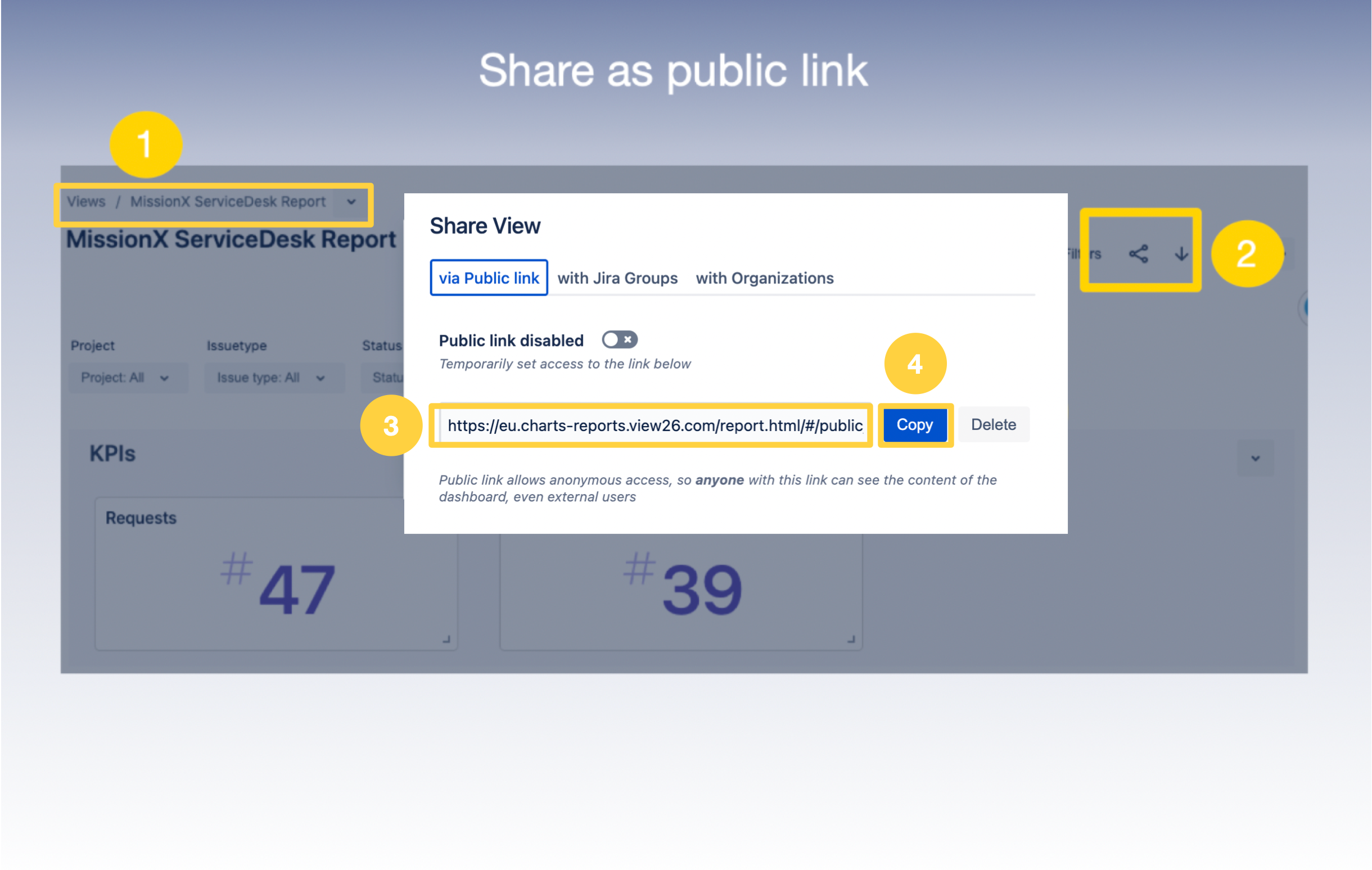
To generate a public link for a View:
1. Select and enter the View you want to share from the Manage View / Charts and Reports Home Page
2. Select the Share icon on the top tool panel of the View
3. Click Generate Public Link and a link will appear in the box
4. Click the Copy icon to copy the link and share it externally.