
After you have installed Page View Insights , the App icon is available to you in Confluence Space Navigation toolbar as shown below.
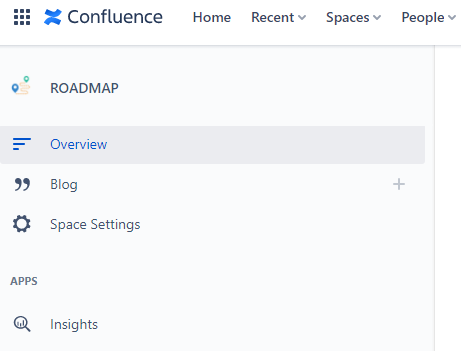
From the Insights icon available in each space you can get an Overview or more details via the PageView and Users tab .
Overview Tab
The overview tab reveals a high level summary of activity across all of Confluence, which includes:
-
A customisable chart revealing all activity over time
Includes views, create and update activity for pages/blogs
-
Most popular content
Ranked by page views
-
Most active readers
Ranked by view activity
-
Most active contributors
Ranked by create and update activity
Page Views Tab
The users tab reveals a summary of activity for each user in Confluence in a table. The table includes:
-
Page title
-
Content creator name
-
Content created date
-
Content last modified date
-
When the page was last viewed
-
Number of unique users that have viewed the page
-
Total page views
Users Tab
The users tab reveals a summary of activity for each user in Confluence in a table. The table includes:
-
The user name
-
Amount of content created
-
Amount of content updated
-
Total content views