
Upgrade Support Time Contract Management to Advanced to connect external systems through the REST API. Your integration can provision and migrate contracts, update agreements and read calculated usage without manual entry in Jira.
Before you begin
-
Use an organization or site administrator account for the site where Support Time Contract Management is installed.
-
Check the app’s Marketplace pricing and the feature/price comparison shown by Atlassian before upgrading. For annual billing, arrange the upgrade through your Atlassian Customer Advocate.
|
API requirement |
Advanced |
Standard |
|---|---|---|
|
Active app license |
Required |
Required |
|
REST API edition access |
Included |
Only when a rollout explicitly enables it for your site |
|
Admin enables App REST APIs |
Required |
Required when rollout access is enabled |
|
OAuth 2.0 scopes and consent |
Required |
Required when rollout access is enabled |
The edition refers to the Support Time Contract Management app subscription. The PDF documents API access on Advanced and the Standard rollout exception; it does not define prices.
Upgrade from Standard to Advanced
-
Open Atlassian Administration and select your organization.
-
Select Apps → Manage your apps to open Connected apps. Choose the site where Support Time Contract Management is installed and locate the app.
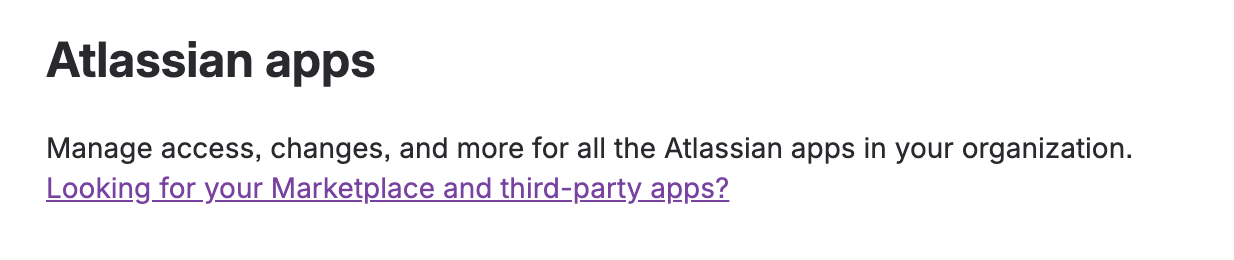
If your administration view opens Atlassian apps, follow the “Looking for your Marketplace and third-party apps?” link to reach Connected apps.
Open Connected apps for the correct site, locate Support Time Contract Management for JSM, and select View app details.
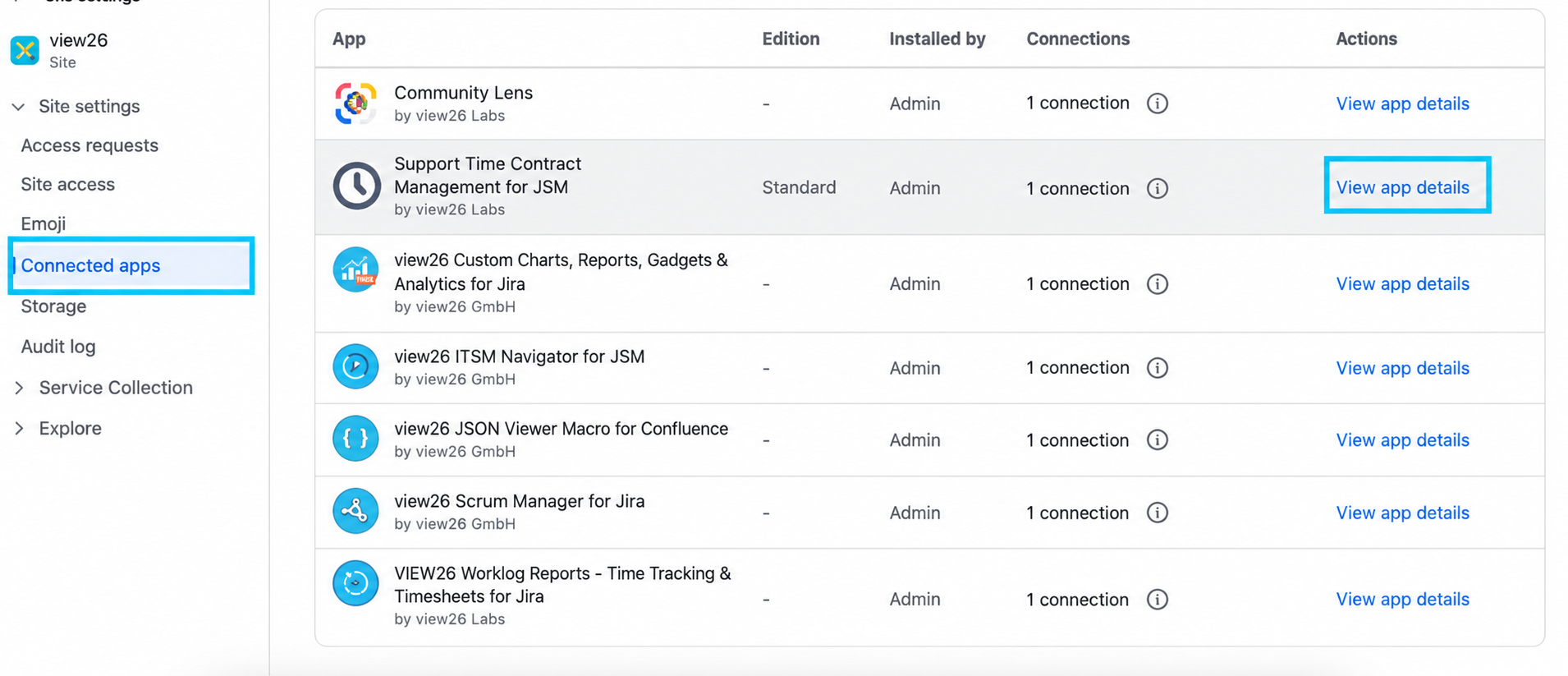
Illustration adapted from the Attachment Manager guide for STC.
-
In the Advanced edition available section, select Try Advanced for Support Time Contract Management.
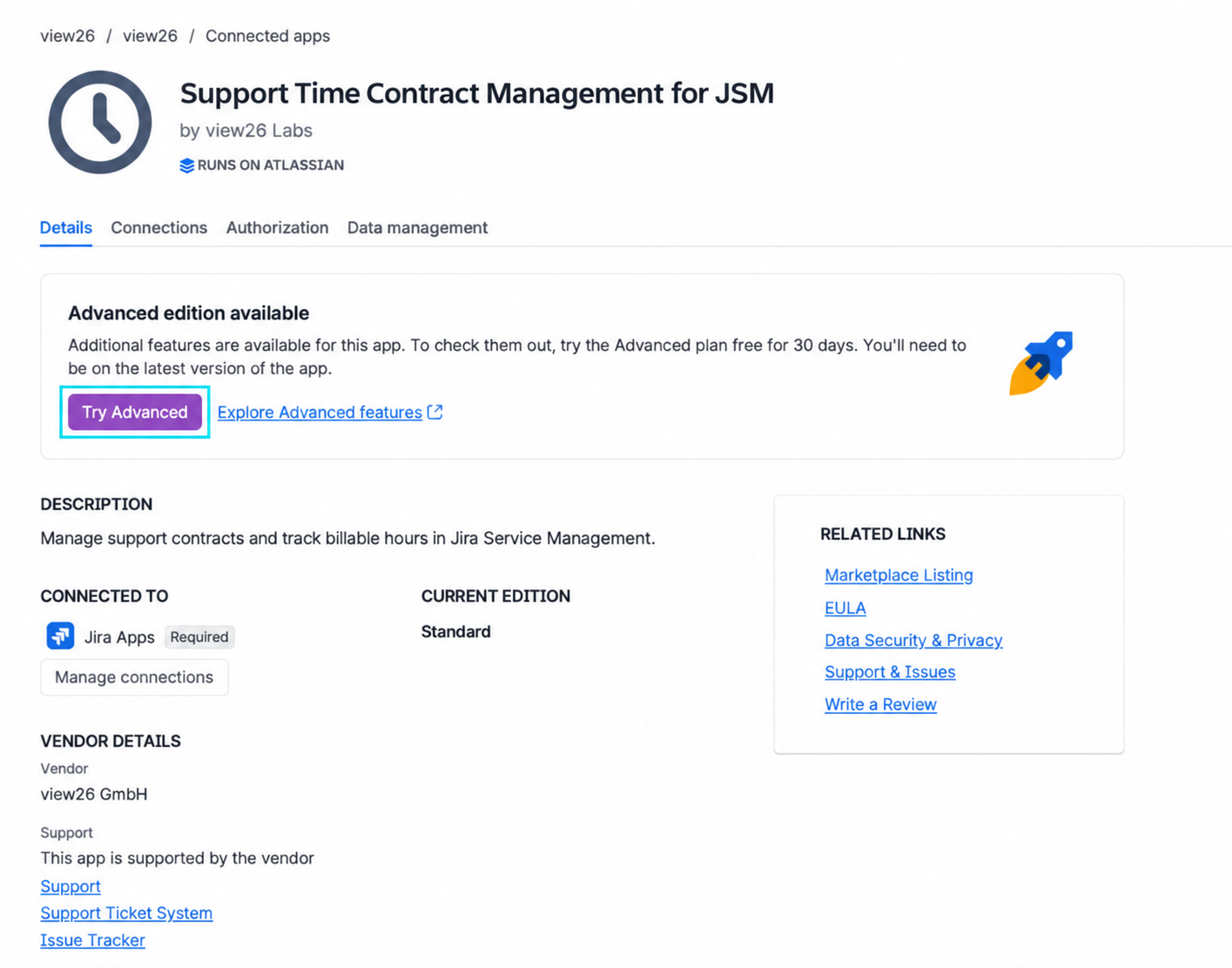
Illustration adapted for STC: select Try Advanced in the app details.
-
Review the feature and price comparison. Under Advanced, select Start trial.
-
Review billing details and select Confirm. Apply any required app updates, then reload the app.
Atlassian offers a 30-day Advanced trial. A paid Standard subscription remains billable during the trial; annual upgrades go through your Customer Advocate. Review the terms shown at checkout.
Start using the REST API
-
Enable App REST APIs on the app’s Connected apps → View app details → Details page. Upgrading alone does not enable the API.
-
Share the complete base URL with your developer.
-
Configure an OAuth 2.0 integration with only the required app scopes and read:forge-app:jira. Obtain consent and an access token.
-
Test GET /v1/contracts with read:contract:custom, then add write or delete access only as needed.
API scopes apply to every contract on the site for the permitted operations. The Support Time Contract global permission controls the Jira UI; it does not gate API calls. Logged hours are computed as the app using configured JSM projects.
Other Advanced functionality
For recurring contracts, Advanced also supports setting how many months rolled-over hours remain valid. See the existing contract and FAQ guides for rollover behavior.
Need help?
-
The upgrade option is missing: verify your selected site and administrator access. Contact VIEW26 if Advanced is not offered for your app installation.
-
Advanced is active but an upgrade notice remains: apply any required app update and reload.
-
REST API calls fail: confirm an active app license, App REST APIs enabled, correct scopes and renewed OAuth consent.
-
Standard returns EDITION_REQUIRED: upgrade to Advanced or contact VIEW26 about rollout availability for your site.
Related documentation