
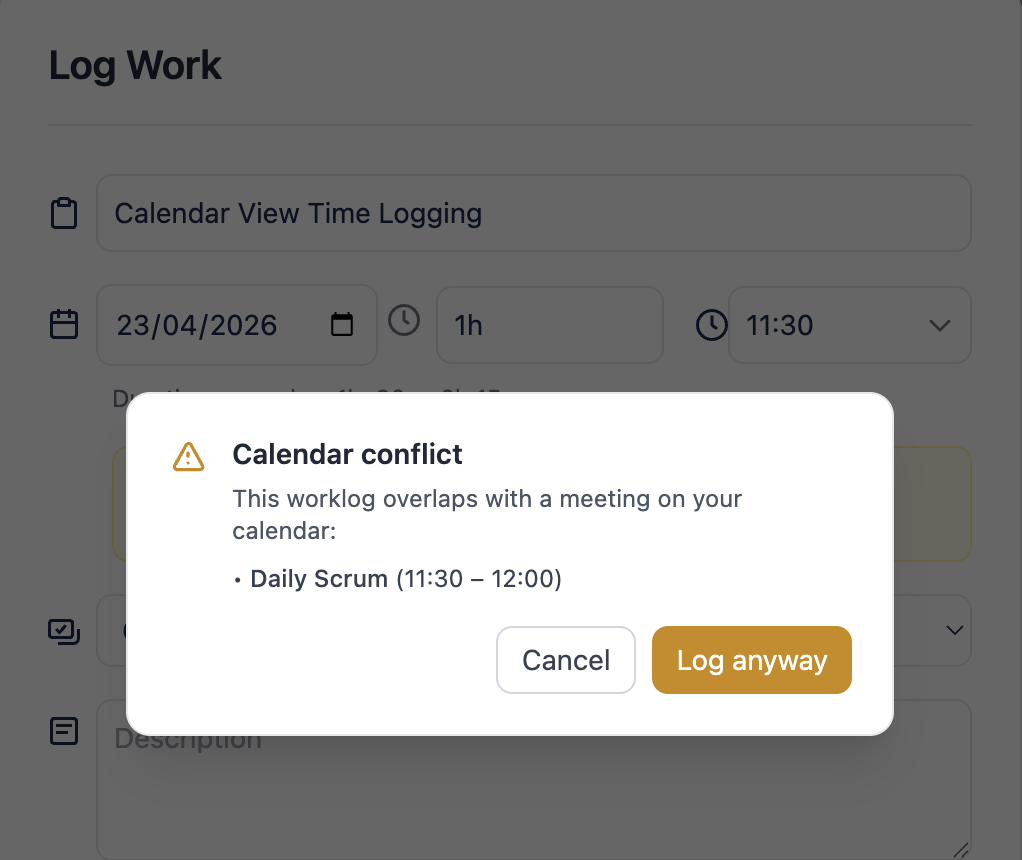
Worklog Reports warns you when a worklog you are about to create overlaps with a meeting on your connected Google Calendar.
How it works
-
The check runs automatically when the Log Work form opens and whenever you change the date, start time, or duration
-
Your connected Google calendars are scanned for overlapping events
-
All comparisons use your Jira profile timezone
What a conflict looks like
When an overlap is detected, a yellow warning banner appears inside the Log Work form listing the conflicting meeting title and time range.
When conflict detection is unavailable
-
You haven't connected Google Calendar → no warning shown
-
The connection is broken (expired token, revoked access) → no warning shown. Reconnect from the Calendar view.