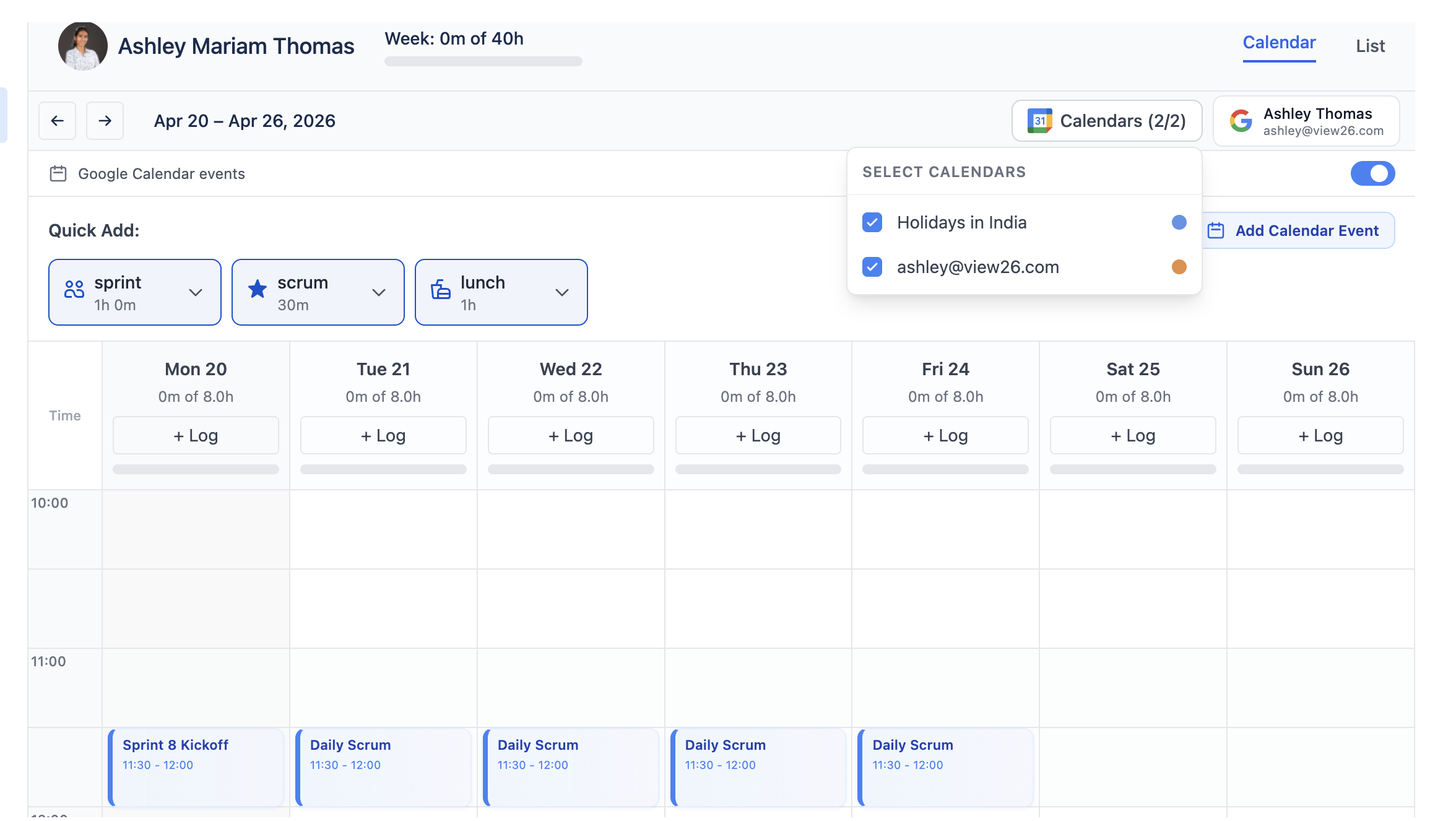
Once Google Calendar is connected, events render inside the Calendar view next to your worklogs.
How events are displayed
-
Each Google event shows as a coloured blue card on the weekly grid
-
Events outside the visible week range are filtered out
-
Times use your Jira profile timezone
Switching which calendar syncs
Open the calendar picker in the Calendar view header and pick any of the calendars associated with your Google account.
Hiding meetings
Toggle Show meetings / Hide meetings from the Calendar view header to focus on worklogs only without disconnecting.