Steps
-
Open Worklog Reports from the Apps menu in Jira.
-
Go to the Calendar view.
-
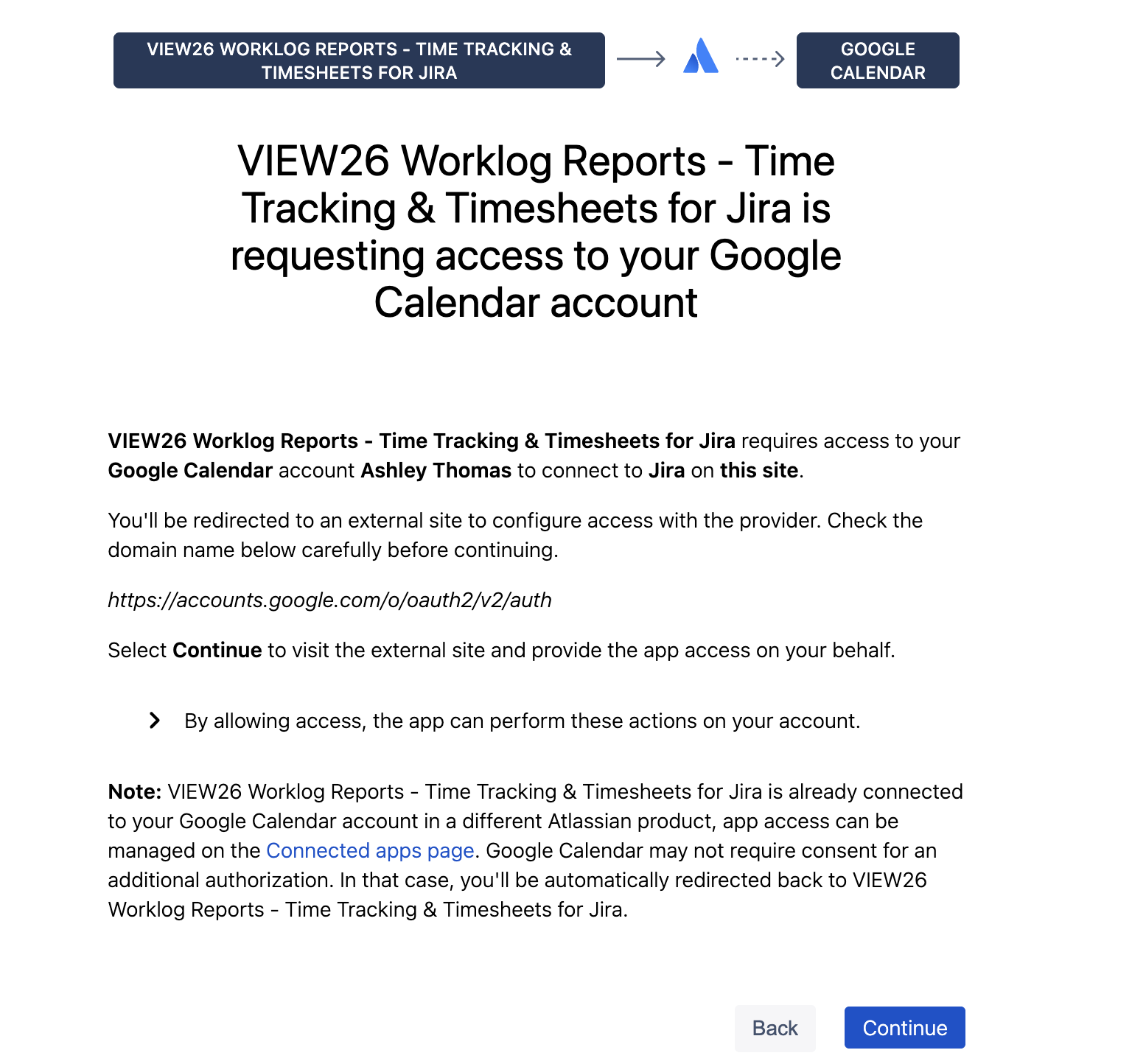
Click Connect Google Calendar in the sidebar header and click on Configure Access.
-
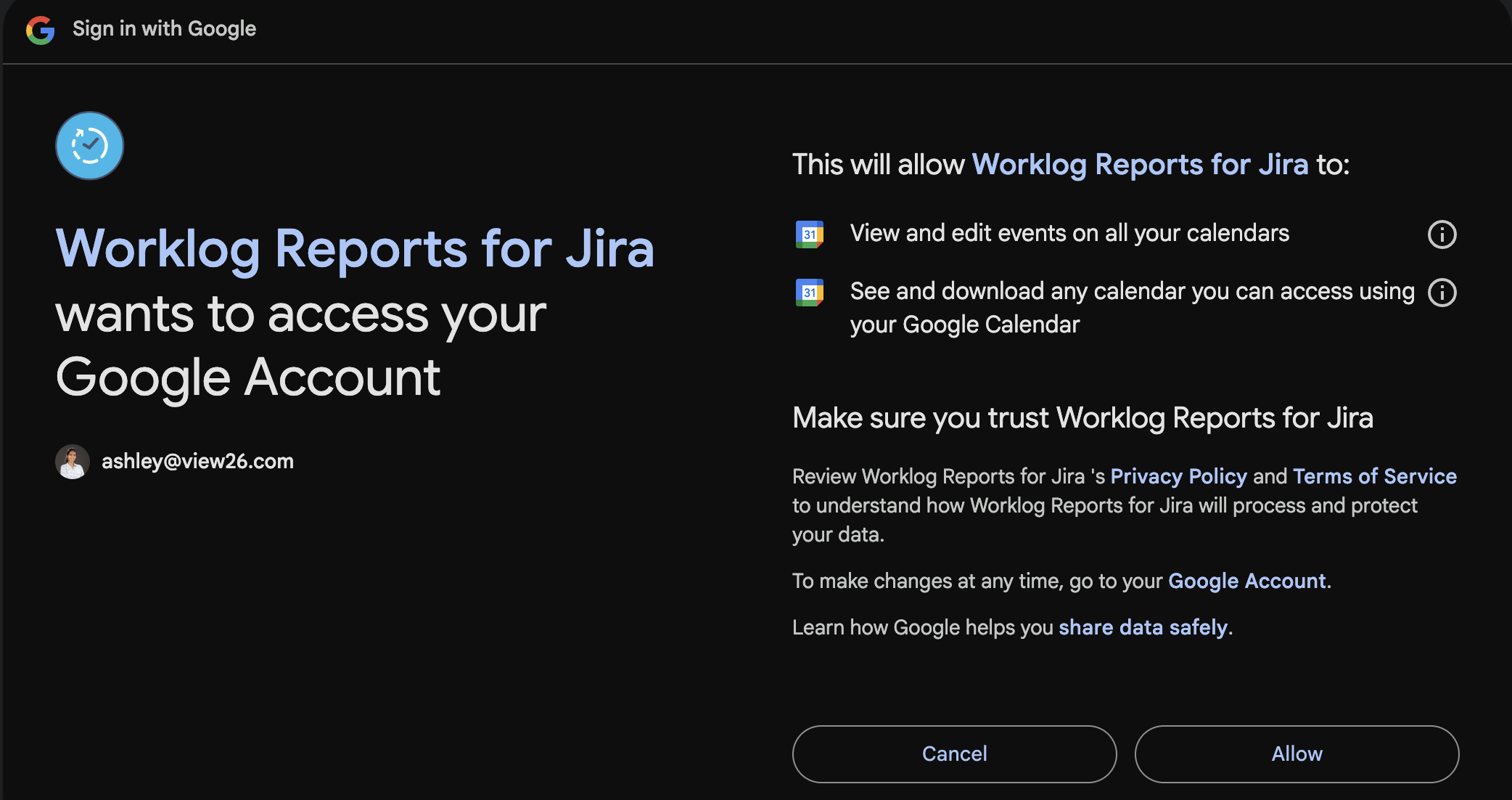
Sign in with the Google account whose calendar you want to sync.
-
Review the permissions Google requests and click Allow.
-
If you have more than one Google calendar, pick which one to sync from in the calendar picker.