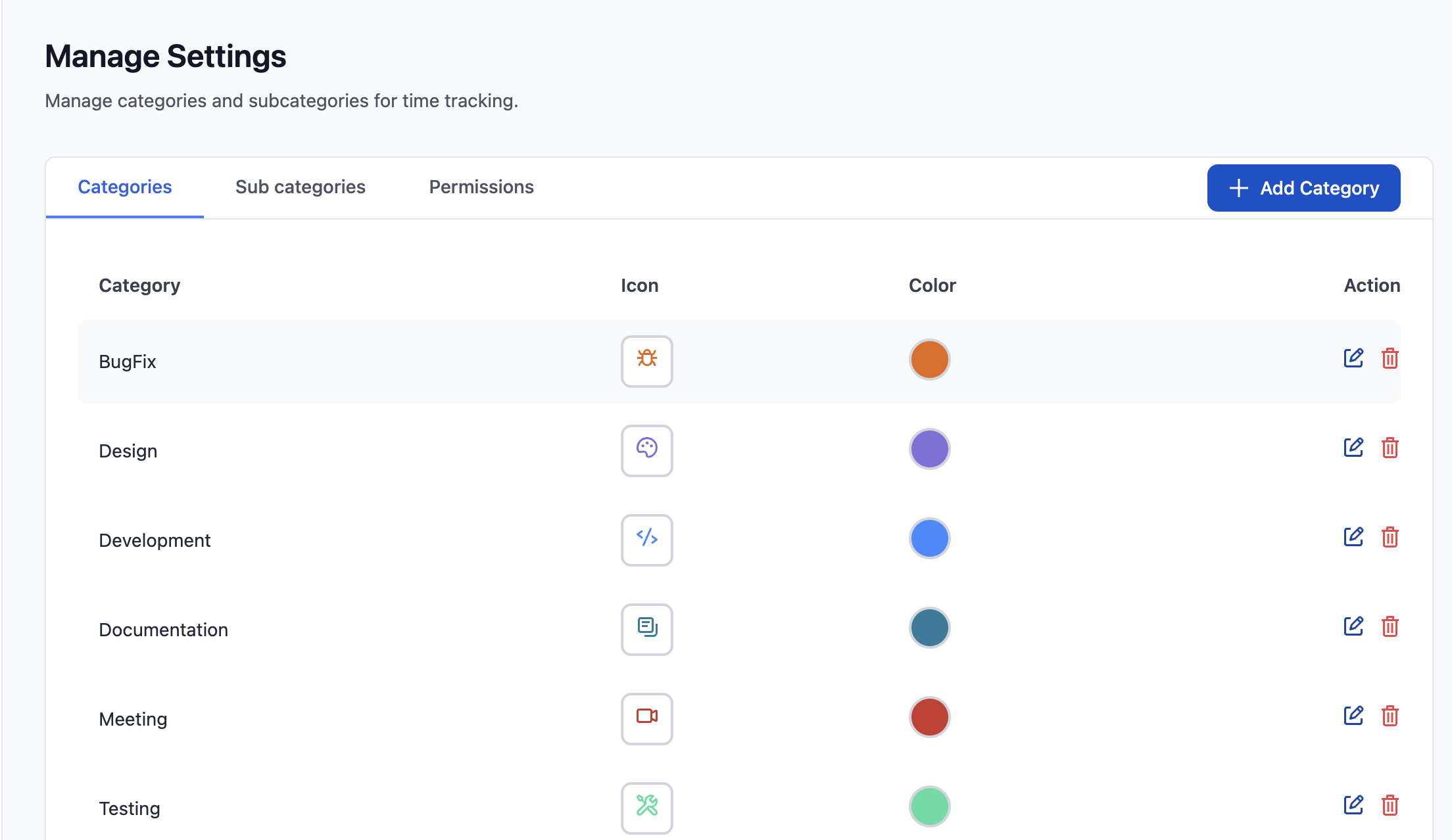
View and Manage Settings permission allows users to configure and manage all application settings, including categories, subcategories, and permission configurations. This permission is essential for administrators who need to customize the app to match organizational workflows and maintain the time tracking system.
STEPS TO GRANT PERMISSION:
-
Navigate to Global Permissions
-
Locate the Worklog Reports Permission
-
Scroll through the permissions list to find "Worklog Reports - View and Manage Settings"
-
-
Assign Permission to Groups
-
Click "Add Permission" or the edit icon next to the permission
-
Select the user group(s) you want to grant this permission to
-
Click "Grant" to save
-
Using the Settings Page in the App UI, user can now manage categories and subcategories